.svg)
March 31, 2026
Text Messaging Laws Are Changing—Here’s What Contractors Need to Know
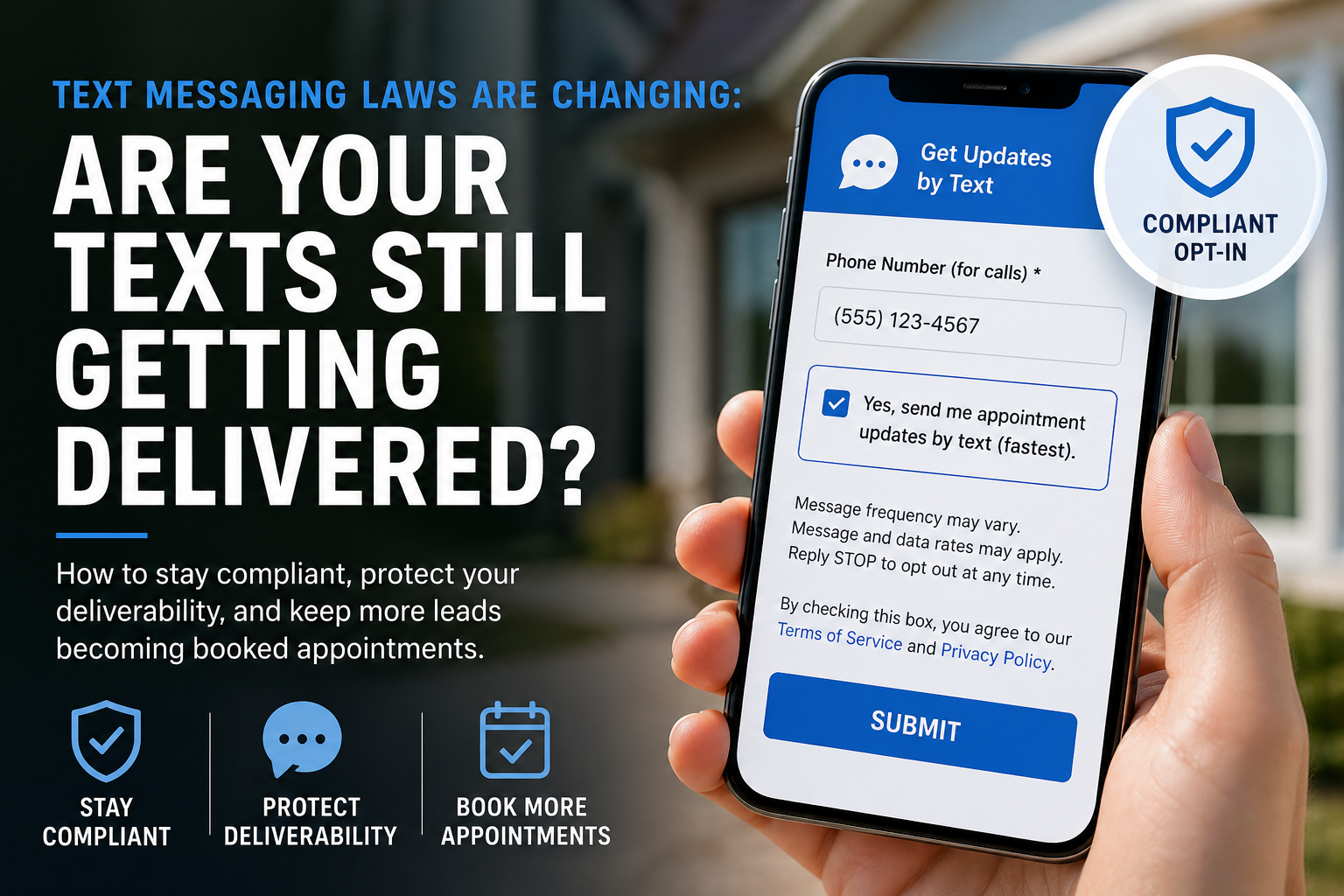
New SMS Rules are Impacting Contractors—Here's How to Stay Compliant and Keep Messages Delivering
If you rely on text messaging to confirm appointments, schedule leads, and communicate with customers, there’s a major shift happening right now that you can’t afford to ignore.
The rules around SMS communication have tightened significantly. And if your process isn’t set up correctly, your messages may not get approved… or worse, they may stop being delivered altogether.
Let’s break down what’s changing—and what you need to do about it.
The Big Shift: Opt-In Must Be Clear and Optional
In the past, many companies treated a phone number as implicit consent for texting.
That no longer works.
Today, compliance standards (often tied to A2P 10DLC regulations) require:
- Explicit opt-in for text messaging
- A checkbox that is NOT pre-selected
- Clear language about what the customer is signing up for
In simple terms:
Providing a phone number = permission to call
Opting in via checkbox = permission to text
If you blur that line, you’re at risk.
What Happens If You Don’t Comply?
This isn’t just a legal technicality—it directly impacts your ability to operate.
If your opt-in process isn’t compliant:
- Your messaging campaigns may be rejected during approval
- Carriers may filter or block your texts
- Delivery rates can drop dramatically
- In extreme cases, your messaging account can be shut down
For contractors who depend on speed to lead, this can quietly kill your pipeline.
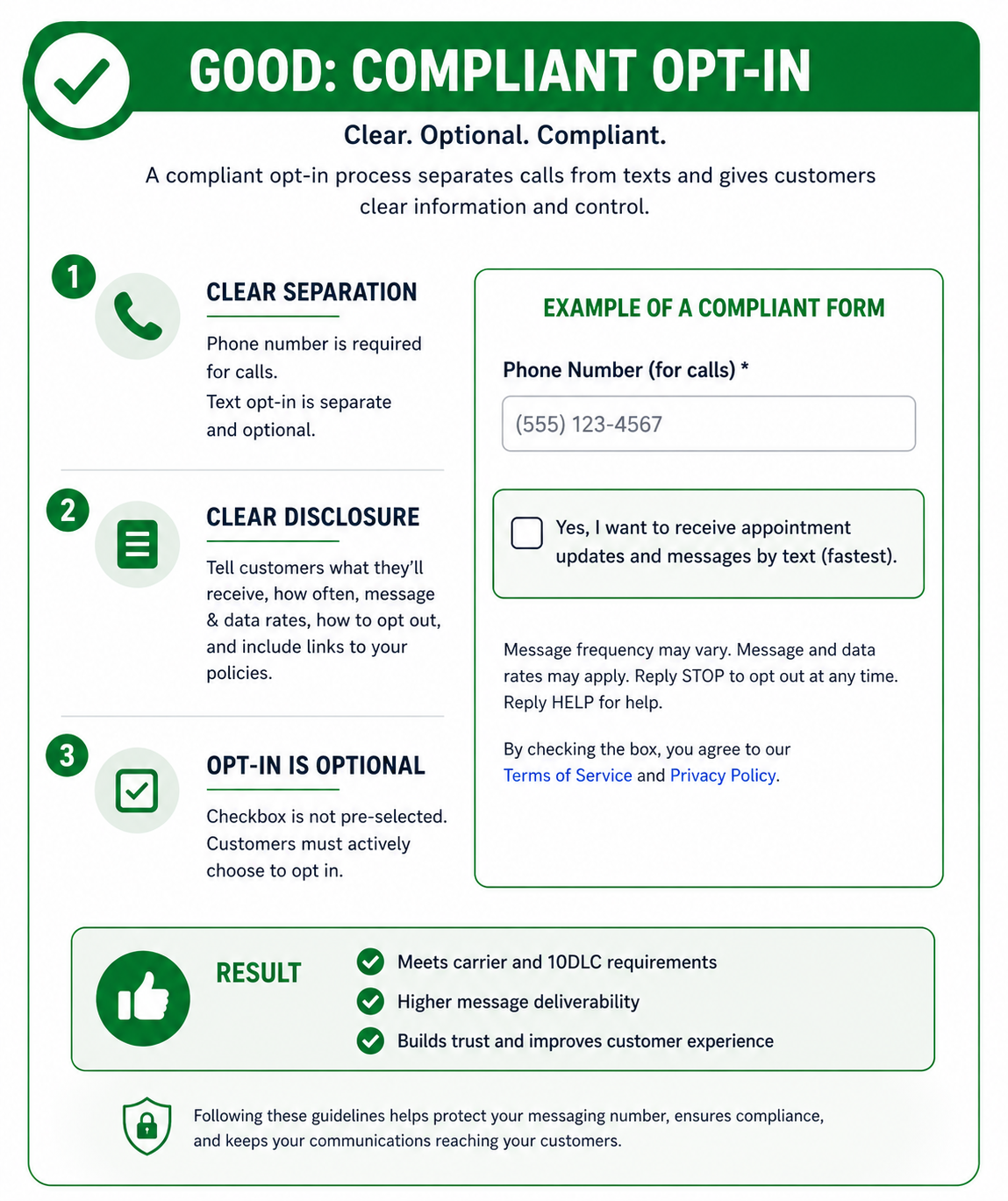
What a Compliant Opt-In Looks Like
A proper setup should clearly separate calls from texts and give the customer full control.
Here’s what that typically includes:
- A required phone number field (for calls)
- A separate, optional checkbox for SMS
- Transparent language explaining:
- What messages they’ll receive (appointments, reminders, updates)
- That message frequency may vary
- That message/data rates may apply
- How to opt out (e.g., “Reply STOP to unsubscribe”)
- A link to your Terms & Privacy Policy
The key is clarity and choice.
Can You Still Text Someone Who Completed Your Form but Didn’t Select the Optional Opt-In?
This is where things get nuanced—and where a lot of contractors get it wrong.
If someone fills out your form but does not check the SMS opt-in box, you generally do not have consent for ongoing text messaging.
However…
You can typically send a single, one-to-one message in response to their inquiry.
Think of it like this:
- They reached out to you
- You’re responding to that request
- But you’re not enrolling them in a messaging campaign
A compliant example would be:
“Hi John, this is Mike from ABC Windows. You recently requested a quote—would you like to receive appointment updates by text?”
From there:
- If they reply “yes” → you now have opt-in
- If they don’t respond or decline → you stop texting
The Key Distinction
- ✅ Allowed: One response to an inbound inquiry
- ❌ Not allowed: Ongoing texts without explicit opt-in
So while you’re not completely blocked from texting, you must use that first message to gain proper consent—not assume it.
How to Capture SMS Opt-In During a Phone Call
Forms aren’t the only place this matters. A lot of your leads still come in by phone—and you need a compliant way to handle that too.
The good news: you can collect opt-in during a call. You just need to do it correctly.
Step 1: Ask Clearly (Don’t Assume)
Train your team to explicitly ask for permission:
“Would you like to receive appointment confirmations and updates by text? It’s the fastest way to stay updated.”
Step 2: Disclose the Basics
Before they agree, communicate:
- What they’ll receive (appointments, reminders, updates)
- That message frequency may vary
- That message and data rates may apply
- That they can opt out anytime (reply STOP)
Keep it simple—but clear.
Step 3: Capture and Store Consent
This is critical.
You should:
- Log consent in your CRM
- Tie it to the specific contact
- Track how and when consent was given (e.g., “Phone – verbal opt-in”)
Step 4: Confirm with a Follow-Up Text
Send a confirmation message like:
“You’re all set to receive appointment updates by text. Reply STOP to opt out anytime.”
This reinforces consent and creates a record on the carrier side.
How to Increase Opt-In Rates (Without Breaking Rules)
Just because it’s optional doesn’t mean people won’t opt in—you just need to position it correctly.
We’ve found one simple shift makes a big difference:
Make the benefit obvious
Instead of generic language, say something like:
“Yes, send me appointment updates by text (fastest).”
Why this works:
- It highlights speed and convenience
- It answers “what’s in it for me?”
- It increases opt-in rates without violating compliance
This aligns with what carriers want: informed, intentional consent.
Why This Matters More Than Ever
The first 24–72 hours after a lead comes in are everything.
If you can’t reliably text:
- You miss confirmations
- You lose scheduling opportunities
- Leads go cold faster
Text messaging isn’t just a communication channel anymore—it’s a core part of your revenue engine.
And now, compliance is directly tied to performance.
How We Handle This at 1Stop
At 1Stop, we’ve built these requirements directly into how we onboard and configure systems for our clients.
We make sure:
- Every form uses compliant opt-in language
- SMS consent is clearly separated and optional
- Messaging campaigns meet carrier approval standards
- Clients still maximize opt-in rates through better positioning
Because the goal isn’t just to “follow the rules”—it’s to protect deliverability while driving more appointments.
Final Thought
This isn’t a small change—it’s a fundamental shift in how customer communication works.
If your current process hasn’t been updated recently, there’s a good chance you’re already at risk.
And the worst part?
Most companies don’t realize there’s a problem until their messages stop working.
Important Disclaimer
This article is intended for general informational purposes only and reflects our understanding of current industry practices and carrier requirements.
We are not attorneys, and this should not be considered legal advice. Laws and regulations around text messaging—including TCPA and A2P 10DLC requirements—can change and may vary based on your location and specific use case.
We recommend consulting with qualified legal counsel to ensure your processes are fully compliant.
.png)



1Stop Install All Rights Reserved 2026.